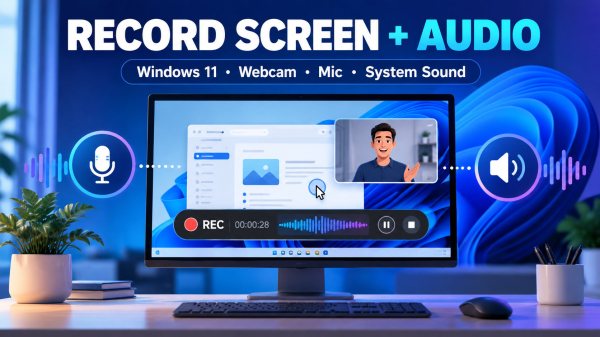
A practical guide to recording your screen on Windows 11 with webcam, microphone and system audio, comparing Snipping Tool, OBS Studio and ActivePresenter, with troubleshooting tips.
PowerPoint to SCORM Without a Subscription: Best Tools and Costs Compared
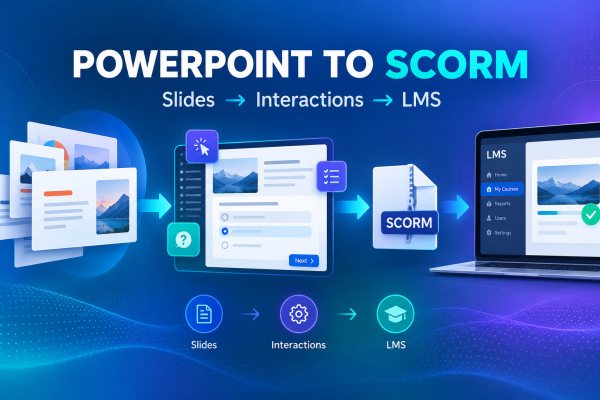
Compare three practical authoring tools for converting PowerPoint to SCORM, and learn how to test completion and scoring before publishing an LMS course.
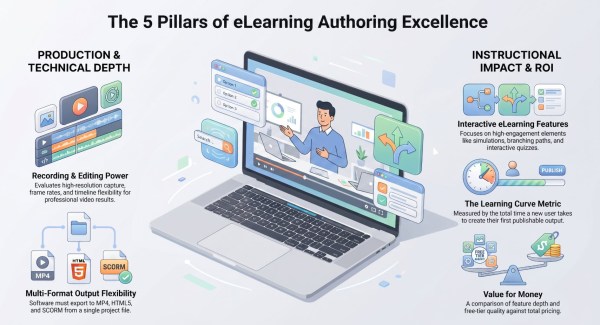
Camtasia Alternatives for eLearning: Tools for Quizzes, Software Simulations, and SCORM
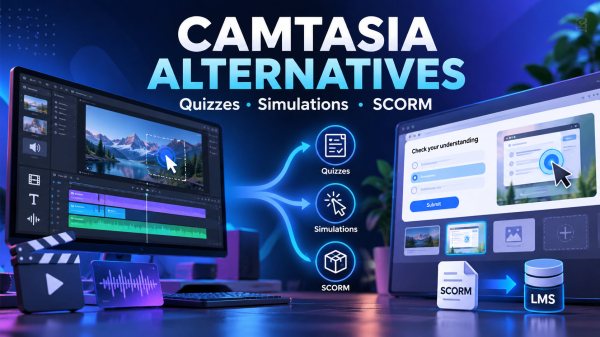
Need quizzes, software simulations or SCORM tracking that a video editor can't deliver? Compare five Camtasia alternatives for eLearning by use case, cost model and LMS output.
Screen Recording vs. Interactive Software Simulation: Which Is Better for Employee Training?
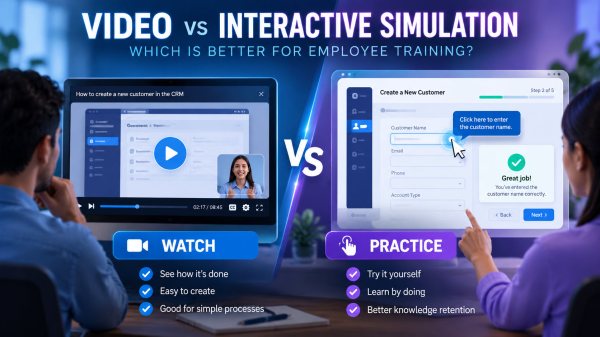
A video shows employees where to click; a simulation asks them to make those clicks. A practical framework for choosing between screen recording and software simulation, with a 6-step pilot plan and tool comparison.
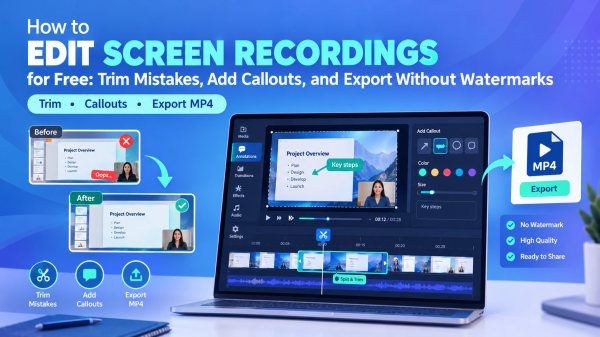
How to Edit Screen Recordings for Free: Trim Mistakes, Add Callouts, and Export Without Watermarks
A realistic, step-by-step workflow for editing screen recordings for free: cut mistakes, add callouts and captions, and export clean MP4s, plus a comparison of ActivePresenter, Shotcut and DaVinci Resolve.
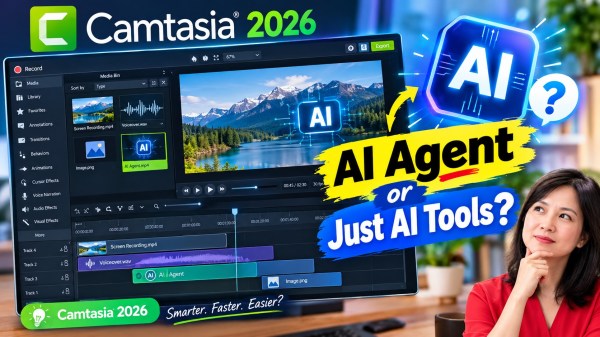
Is Camtasia 2026 Really an “AI Agent” for Video Training? An Honest Review (Plus a Free Alternative)
Camtasia 2026 markets itself around AI, but is it really an AI Agent for video training? We break down its real AI features, pricing, pros and cons — and compare it to ActivePresenter, a free alternative built for interactive eLearning.
How to Create Interactive Video Lectures for LMS (Free Tutorial)
Learn how to create interactive video lectures for your LMS step-by-step. Discover the best free tools to add quizzes, hotspots, and branching scenarios.
Top 10 Best Video Editing Software for Educators (2026)
Discover 10 beginner-friendly video editing tools for educators in 2026. Real-world tested, no watermark exports, and built for course creators — not filmmakers.
Free Screen Recorder 2026: 5 Tools for Studio-Quality YouTube Content
Top 5 best free screen recording software for studio-quality with no watermark or time limit you can try now in 2026.
How to Record Your Screen on a Mac for YouTube (From Someone Who’s Done It a Lot) in 2026
When I first started creating YouTube content on my Mac, I wasted an embarrassing amount of time jumping between tools — recording in one app, editing in another, re-exporting because the quality wasn't right. If that sounds familiar, you're in the right place. The good news? Recording your screen on Mac for YouTube doesn't have to be complicated. Let me walk you through the options I actually use and recommend, from the quickest built-in method to the one I rely on for serious content.