Stop sending static slides that you can't track! Learn how to convert PowerPoint to SCORM in 5 simple steps. Discover how to use the best free eLearning authoring tools like ActivePresenter to transform your PPTs into interactive, LMS-ready courses that track learner progress and quiz scores effectively.
2 Top-rated Free Screen Recorders for PC in 2026: Capture Like a Pro Without Spending a Cent
Searching for the best screen recorder for PC in 2026? Stop wasting time with tools that leave watermarks or cut your recordings short. Discover the top 2 professional solutions that are completely free, no watermark, and have no time limit. Whether you need the streaming power of OBS or the all-in-one editing and eLearning features of ActivePresenter, this guide has you covered.
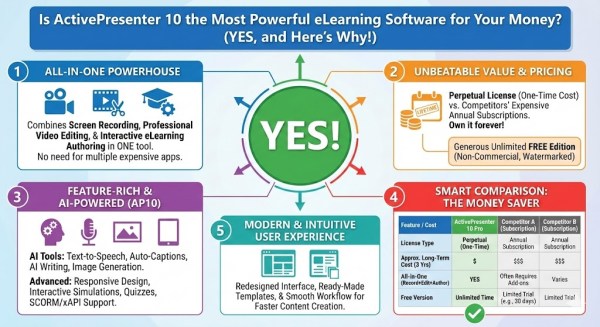
Is ActivePresenter 10 the Most Powerful eLearning Software for Your Money? (Yes, and Here’s Why)
Is ActivePresenter 10 the best eLearning software for your money? Yes, and here is why. Explore its advanced recording, editing capabilities, and perpetual license benefits in our detailed review.
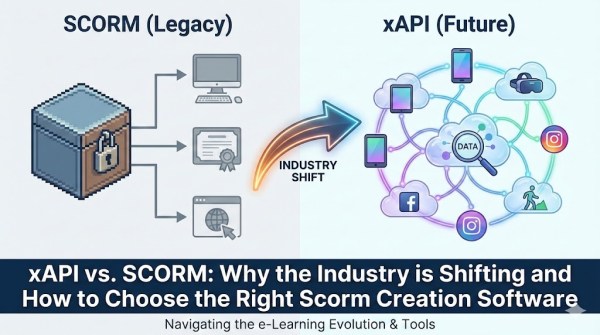
xAPI vs. SCORM: Why the Industry is Shifting and How to Choose the Right Scorm Creation Software
Is SCORM dead? Dive into the critical shift from SCORM to xAPI (Tin Can) and discover why modern L&D strategies demand richer data. This guide breaks down the key differences between the standards and reveals why ActivePresenter is the versatile Scorm creation software you need to future-proof your eLearning courses.
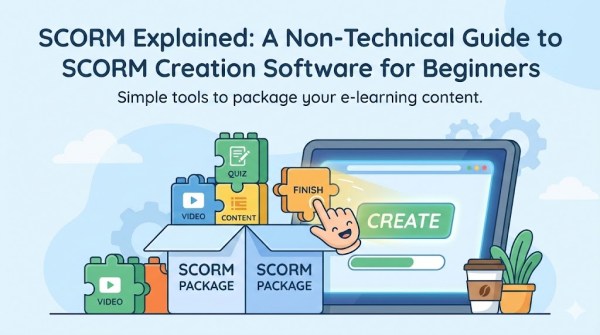
SCORM Explained: A Non-Technical Guide to SCORM Creation Software for Beginners
What is SCORM? We explain it in plain English. Plus, learn how to export SCORM packages effortlessly with ActivePresenter, a free and powerful SCORM creation software.
Loom Free Screen Recorder Review 2025: Pros, Cons, Pricing & Best Teacher Alternative
Looking for the right screen recorder? Read our comprehensive review of Loom in 2025, covering its pros, cons, and pricing. Plus, discover the best alternative software, especially recommended for teachers needing powerful video editing and eLearning features.
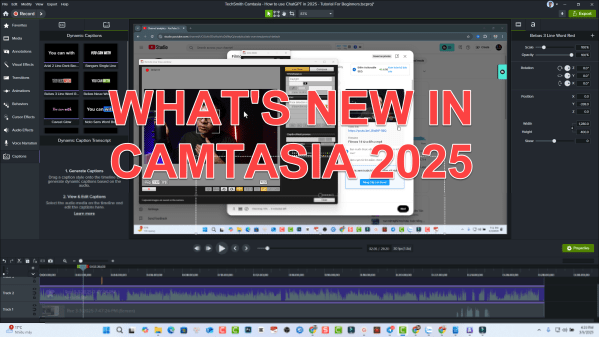
What’s NEW in Camtasia 2025? Should You Upgrade?
If you're using Camtasia 2024, think twice before upgrading to Camtasia 2025—its AI features are promising but come with extra costs. While Camtasia remains an excellent choice for beginners creating training videos, alternatives like Atomi ActivePresenter offer competitive features at a lower price. Make sure to weigh your options before making the switch.