Hello there! Are you looking for information about Loom Screen Recorder? Perhaps you’re a teacher wondering if it’s the right tool for your lessons, or maybe you need to create quick videos for work. You’ve come to the right place!
As an expert in screen recording, video editing, and eLearning software, I can help you understand what Loom offers and recommend a powerful alternative, especially for educators.
Loom has become a very popular tool for creating and sharing quick videos. It makes it easy to record your screen, camera, and voice, then instantly share the result. But is it the best fit for everyone, particularly teachers? Let’s take a closer look at Loom Screen Recorder in 2025.

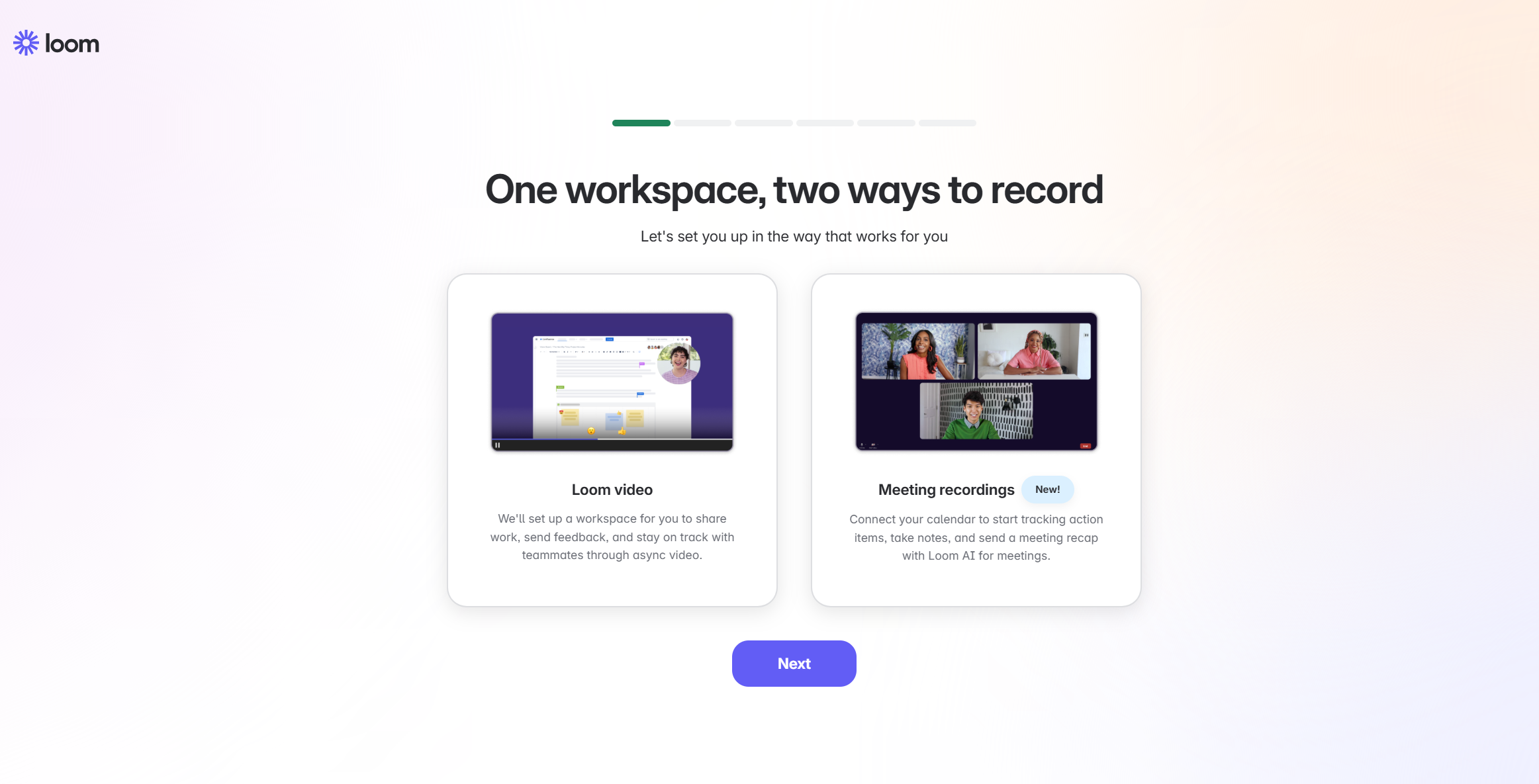
What is Loom Screen Recorder?
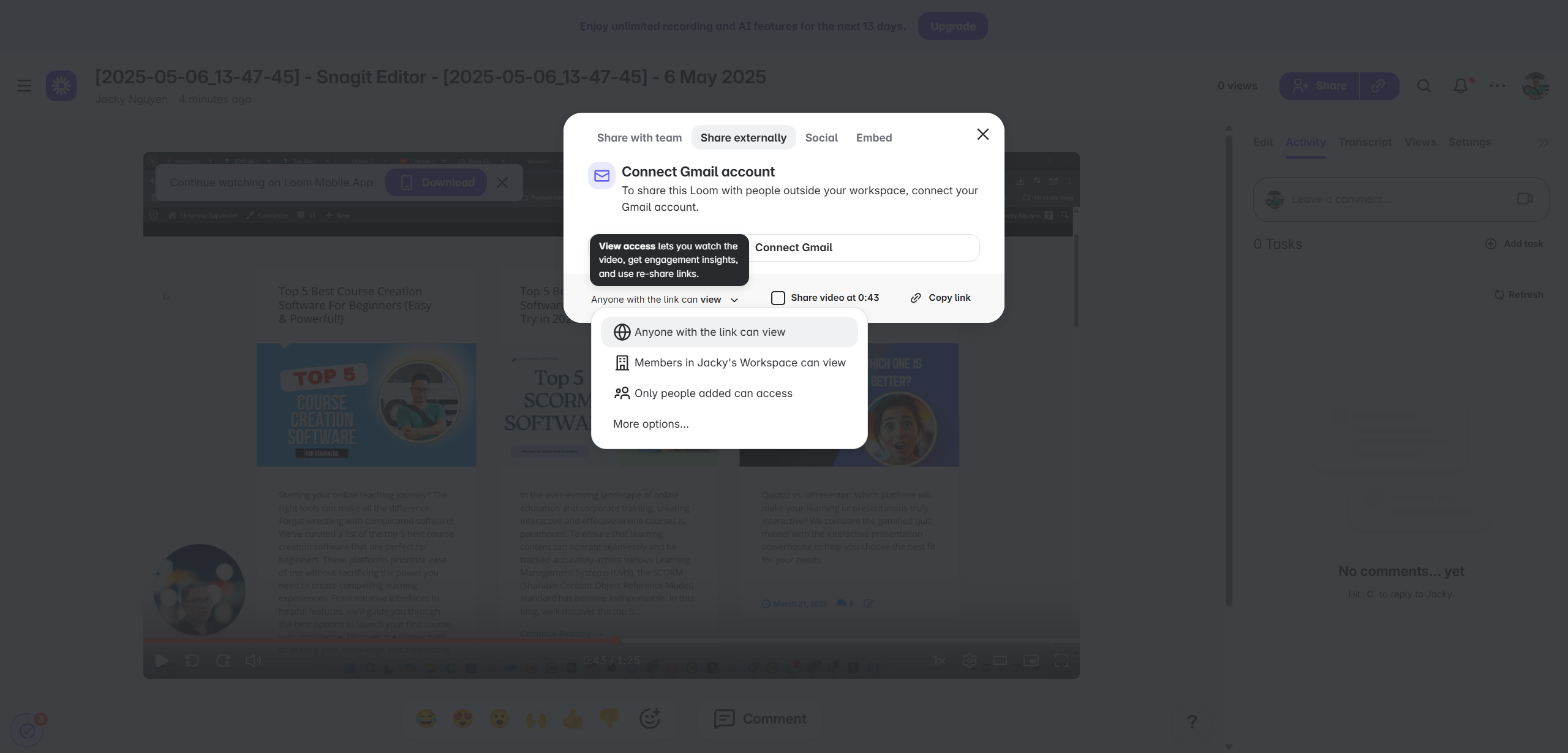
Loom is primarily a video messaging tool. Its main goal is to make it fast and easy to record something on your screen or with your webcam and share it instantly via a link. This is great for quick explanations, updates, or showing someone how to do something.
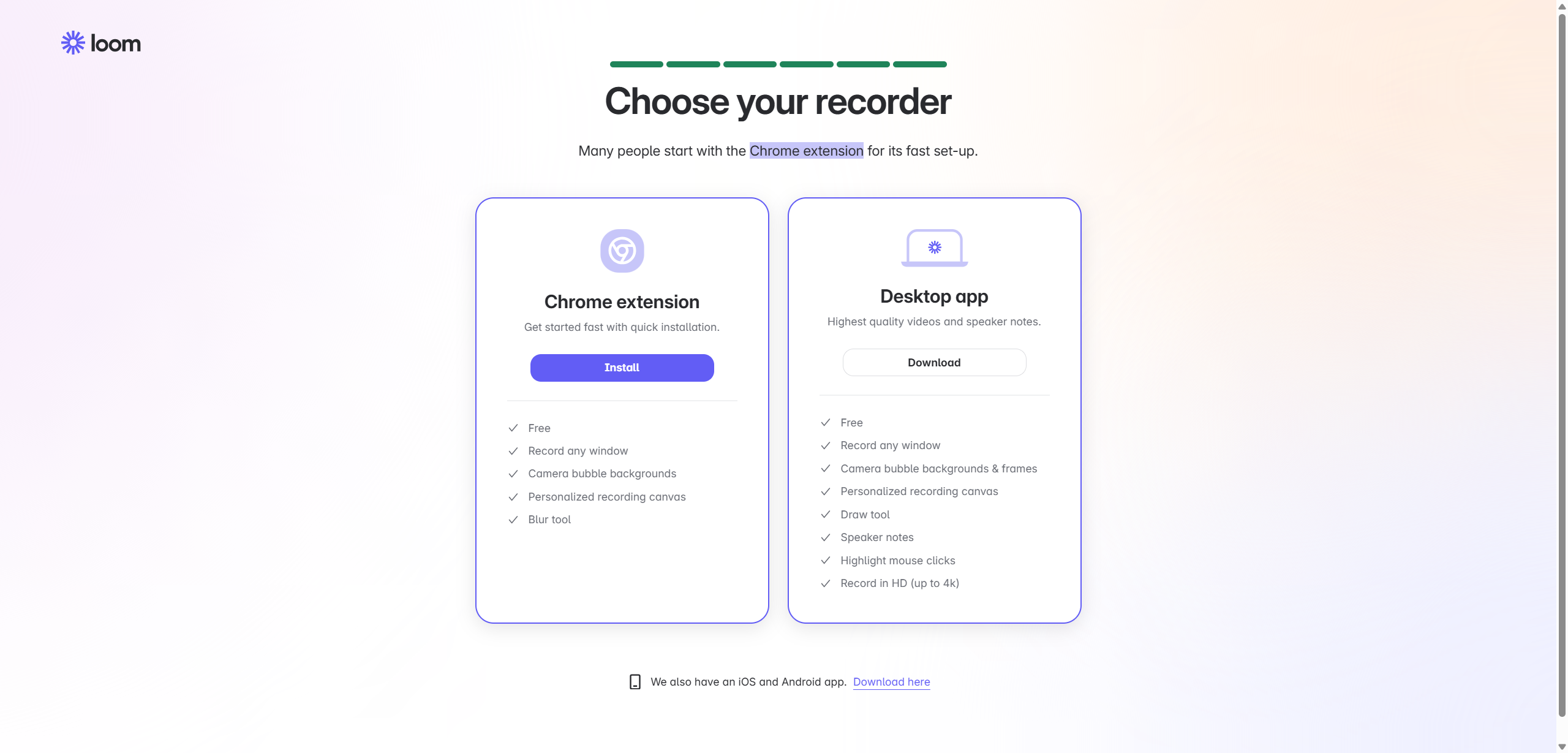
Loom has different options for screen recording, i.e its free online recording tool, chrome extension and desktop app. In 2025, it includes some more AI features for video enhancements and transcription in their paid plans.
Currently, you can use Loom to capture screen activities for free. However, there will be some feature limitations and video duration limit.
I spents many hours testing the app, and end u realizing that it’s not the best option for teachers and trainers, as these users often need video and audio editing tools in post. The best possible use case I can think of is to make quick bug report, or quick screen sharing solution.
So, if you’re looking for a software that is packed with screen recording tools, video editing tools and eLearning authoring tools, Loom is obviously NOT the perfect fit.
For teachers, trainers and educators, Atomi ActivePresenter could be the best option as Loom best alternative. It is also free to download and install on your computer. You can instantly record screen and edit your videos without watermark, or time limit with ActivePresenter free edition. Nice, right?
For those who want to try ActivePresenter, click the download link below.

For more information about Loom, keep reading!
Loom Free Screen Recorder: Pros and Cons
Like any software, Loom has its strengths and weaknesses. Understanding these helps you decide if it meets your needs.
Pros of Using Loom:
- Super Easy to Use: This is Loom’s biggest advantage. Starting a recording and getting a shareable link takes almost no time. The design is very simple and user-friendly.
- Instant Sharing: As soon as you finish recording, Loom uploads your video automatically and gives you a link right away. No waiting around to share!
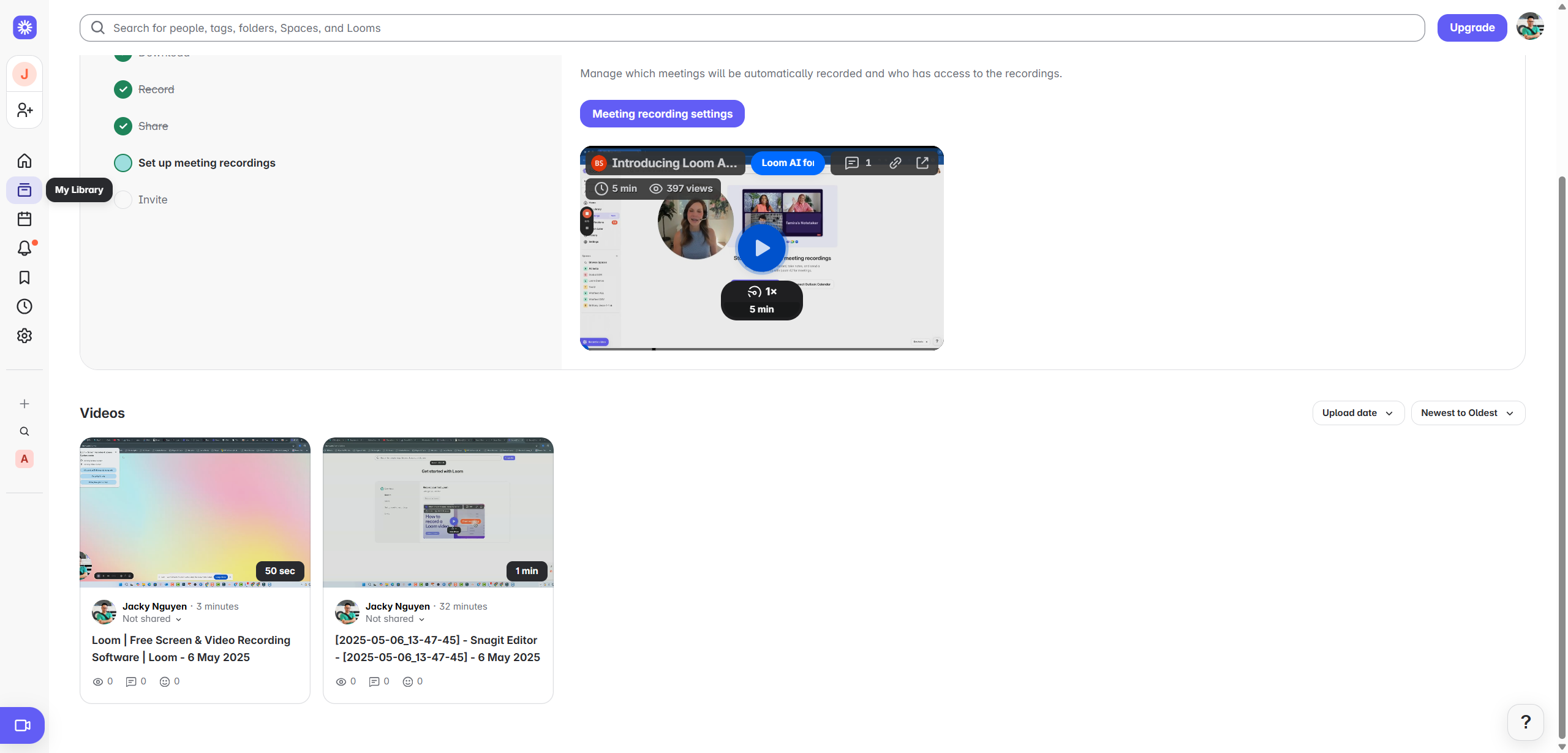
- Cloud Storage: Your videos are stored online on Loom’s platform. This saves space on your computer and lets you access your videos from anywhere with internet.
- Simple Interface: Both the recorder and the online video player are clean and easy to understand.
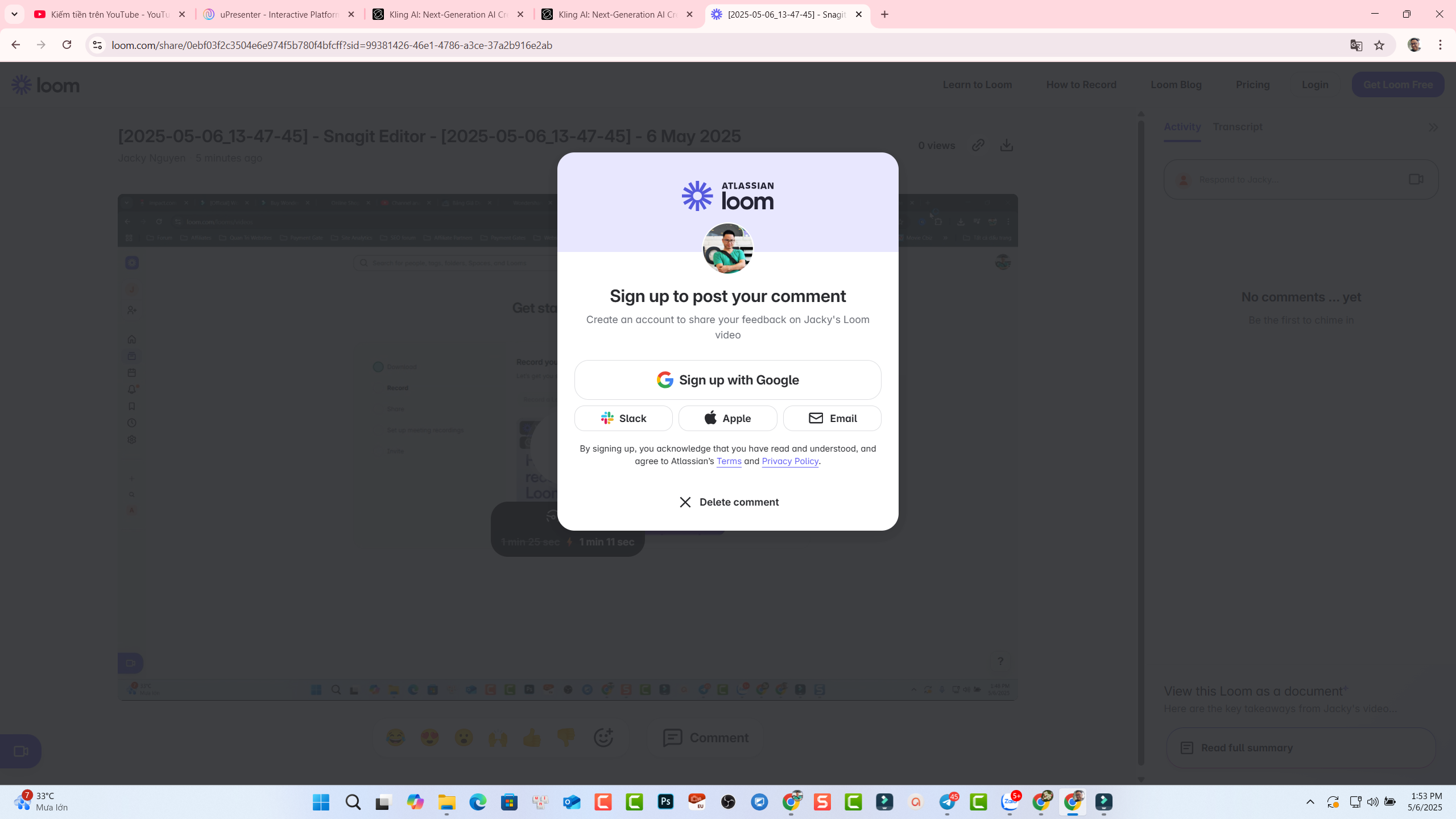
- Quick Viewer Interaction: People watching your videos can add comments and reactions directly on the video timeline. This helps with getting feedback fast.
- Good for Fast Communication: If you need to send a quick video message instead of typing a long email, Loom is perfect for that.
Cons of Using Loom:
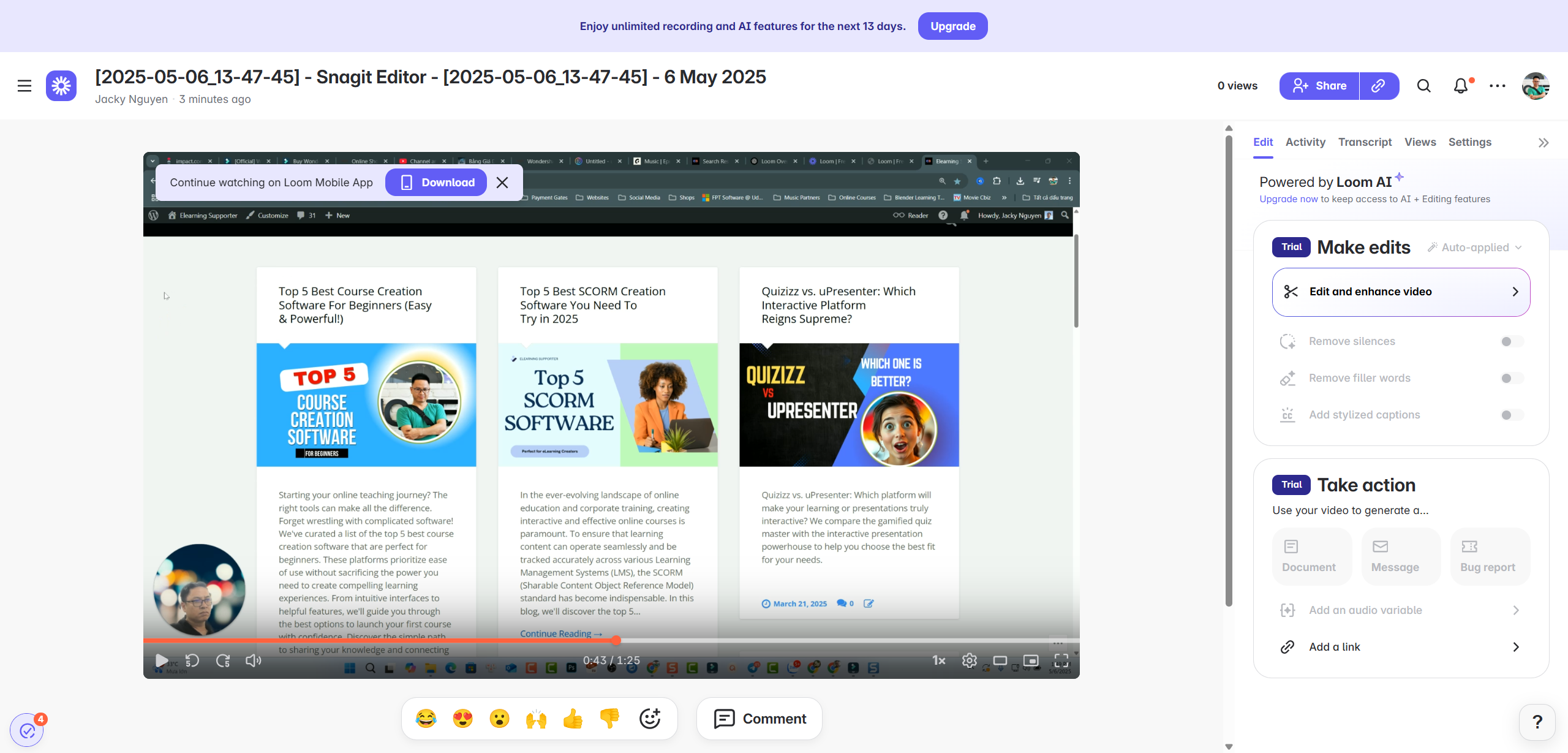
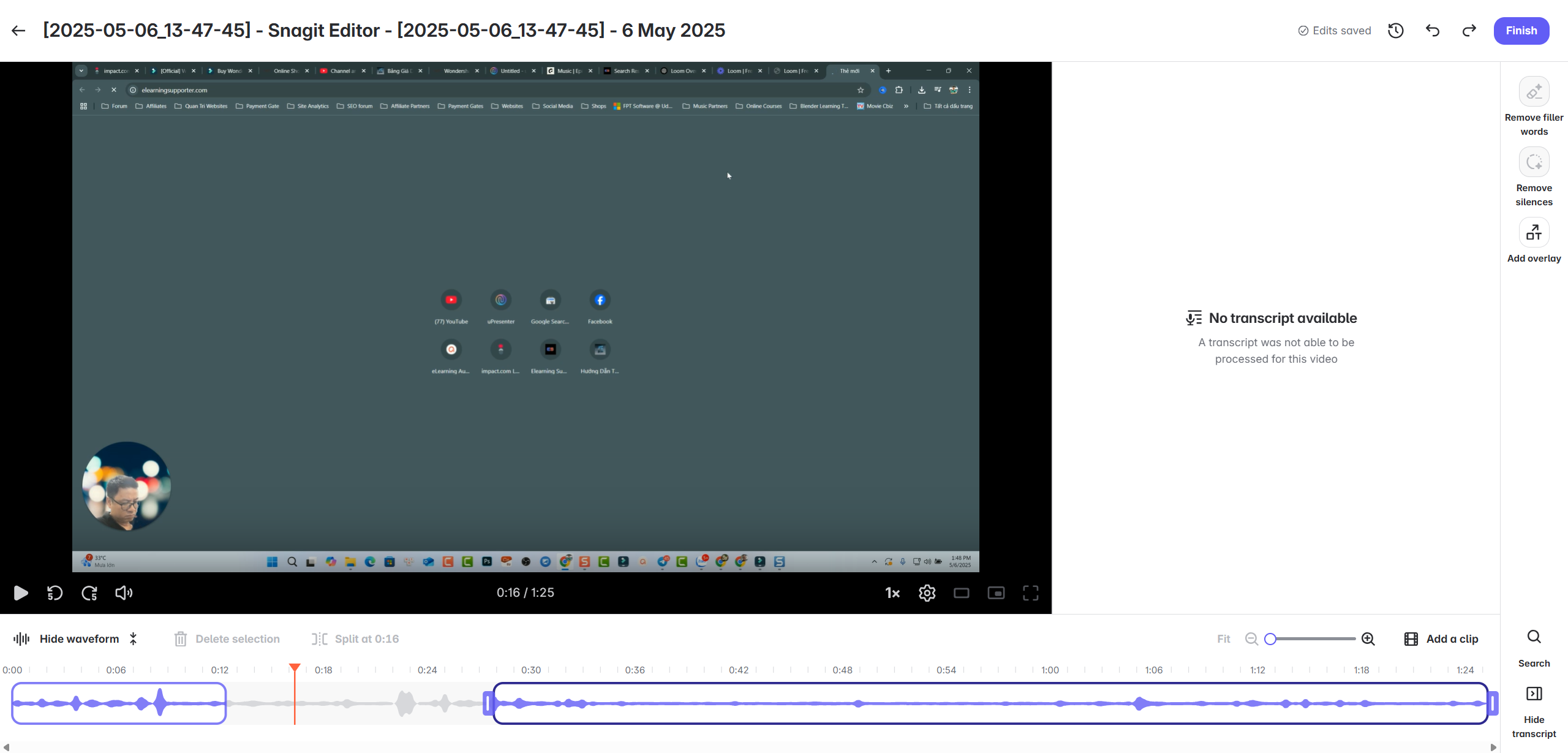
- Limited Video Editing: Loom lets you do basic trimming, but that’s about it. If you need to cut out mistakes in the middle, add text, zoom in on parts of the screen, or make your video look more professional, Loom is not the right tool. You’ll need separate video editing software.
- Needs Internet to Work Best: Since it’s online-based, you need a good internet connection to upload and share videos smoothly.
- Storage and Length Limits: Depending on the plan you use (especially the free one), there might be limits on how many videos you can record or how long each video can be.
- Basic Look and Feel: You can’t change much about how the recording or the video player page looks.
- Not for Complex Projects: Creating detailed tutorials, full online lessons, or videos with interactive parts is difficult or impossible with Loom’s simple features.
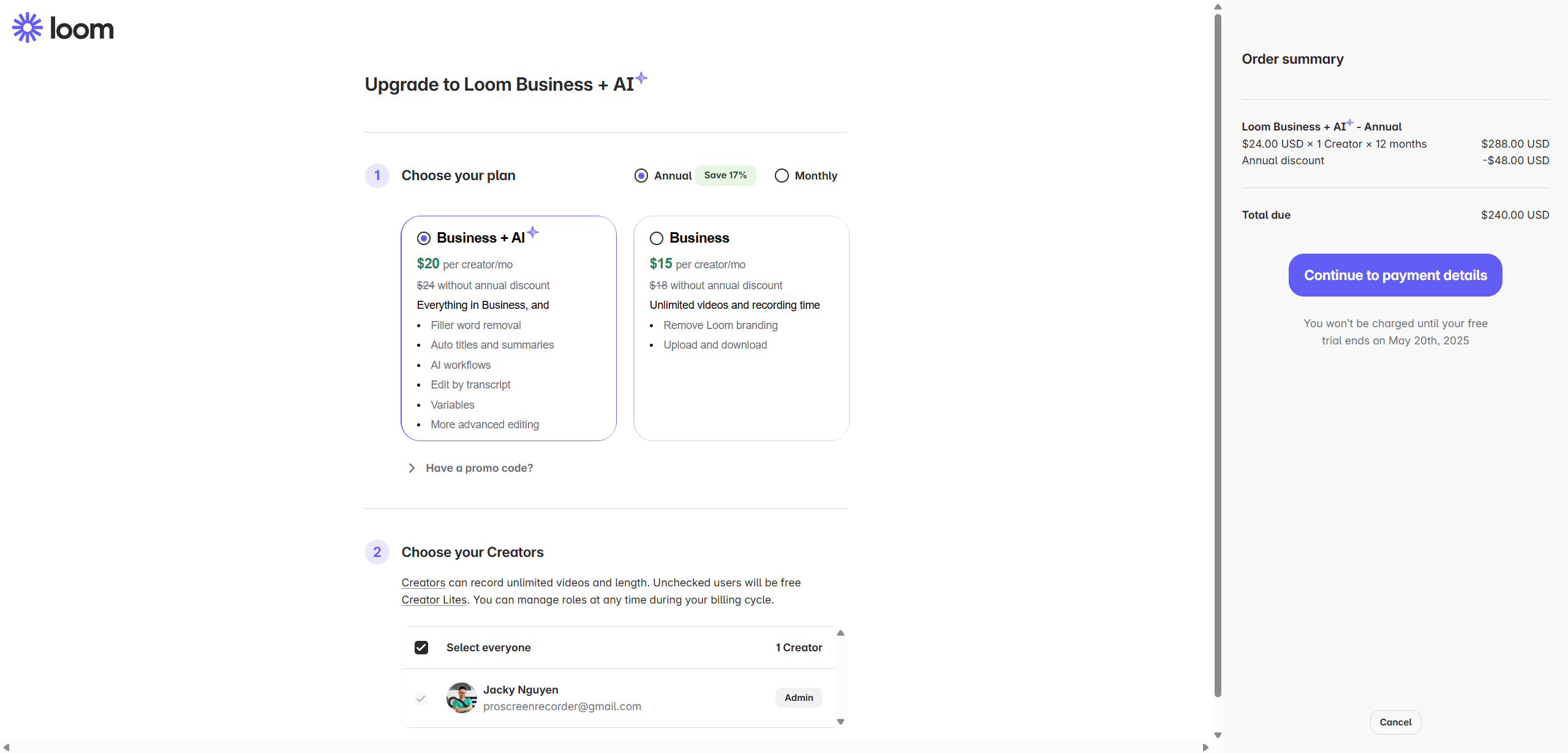
Loom Screen Recorder Pricing Plans (2025)
Loom offers different plans based on how you need to use it. The exact costs can change, but the structure usually looks like this:
- Starter Plan (Free): This plan is free and good for trying Loom. It typically has limits on the number of videos you can record, the length of each video, and storage space. It’s fine for occasional, short recordings.
- Business Plan (Paid): This plan is for people or teams who use Loom regularly. It usually offers unlimited videos, longer recording times, more storage, basic editing features, and features for teams. You pay a fee per user, usually monthly or yearly.
- Enterprise Plan (Custom Pricing): This plan is for large companies. It includes everything in the Business plan plus advanced security, management tools, and dedicated support. The price is set based on the company’s specific needs.
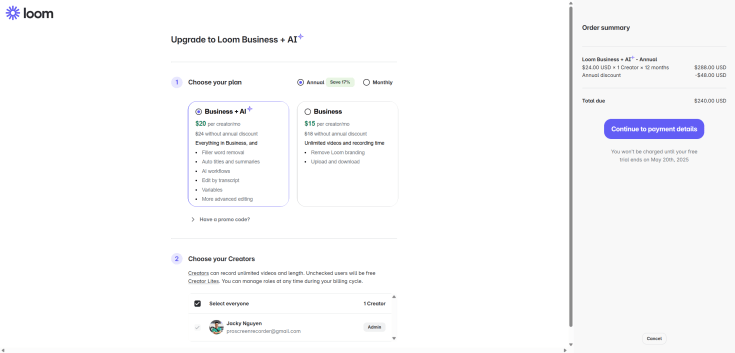
(Note: Always check Loom’s official website for the most current pricing and feature details, as they can be updated.)
Loom Alternative for Teachers: Needing More Power?
While Loom is super easy for quick messages, teachers often need tools that can do much more. Creating effective online lessons, software demonstrations, or interactive materials requires more than just simple recording and sharing. Teachers might need to edit videos carefully, add notes on screen, include quizzes, or create step-by-step guides.
For teachers who need these advanced features, a powerful and free alternative is Atomi ActivePresenter, an all-in-one eLearning authoring tool for teachers and trainers.
Why Atomi ActivePresenter is a Great Alternative for Teachers
ActivePresenter is a comprehensive software designed for creating educational content. It’s not just a screen recorder; it’s also a video editor and an eLearning authoring tool all in one.
- High-Quality Screen Recording: Record your computer screen with clear audio, perfect for demonstrating software or explaining concepts.
- Full Video Editing Suite: This is a major difference from Loom. ActivePresenter gives you complete control to edit your videos. You can easily cut out parts, add text, images, sound effects, zoom in and out, blur sensitive info, and much more. Polish your lessons exactly how you want!
- Create Interactive Content: Build engaging lessons by adding quizzes (like multiple choice or fill-in-the-blanks), surveys, and interactive elements that students can click on.
- Software Simulation: Easily record and create step-by-step guides for using software programs.
- Flexible Export Options: Save your videos in popular formats like MP4 or create HTML5 content that works well on learning websites (LMS).
- Powerful Free Version: ActivePresenter offers a very generous free version. It includes all the core screen recording and video editing features without any watermarks or time limits for non-commercial use (which applies to most teachers!). This makes it a fantastic cost-free option for creating professional-looking video lessons.
While ActivePresenter has more features and might take a little longer to learn than Loom’s simple interface, the creative possibilities for teachers are much greater. You can create truly polished, professional, and interactive educational materials.
Conclusion
Loom Screen Recorder is an excellent tool for rapid video messaging and simple screen shares in 2025. Its ease of use and instant sharing are unmatched for quick communication.
However, if you are a teacher or anyone who needs robust video editing capabilities, interactive features, or the ability to create detailed eLearning content, you will likely find Loom’s features too basic. In that case, a tool like Atomi ActivePresenter offers a much more powerful and flexible solution, with a free version that provides extensive screen recording and video editing features perfect for educators.
Choose the tool that best fits your specific recording and content creation needs!
 Elearning Supporter
Leave a comment