Learn how to use Power Tool, Blur Faces in Filmora Video Editor from this tutorial video on YouTube Channel.
Using Power Tool, Blur Faces Tutorial – Filmora Video Editor
We write software reviews. We share our thoughts about software. We make your life easier.
Learn how to use Power Tool, Blur Faces in Filmora Video Editor from this tutorial video on YouTube Channel.
Learn how to add starting and closing effect in text, animations in VSDC Free Video Editor from this tutorial video on YouTube Channel.
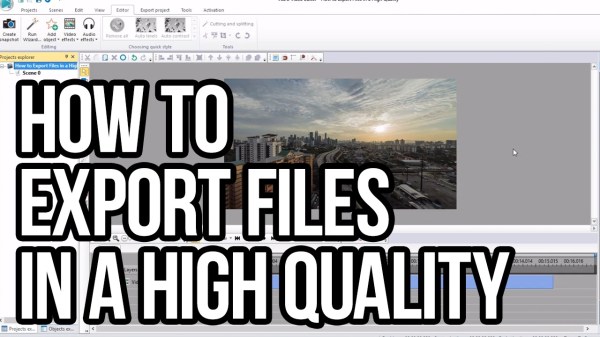
Learn how to export file in high quality in VSDC Free Video Editor from this tutorial video on YouTube Channel.
Learn how to apply color twist effect in VSDC free video editor from this tutorial video on YouTube.
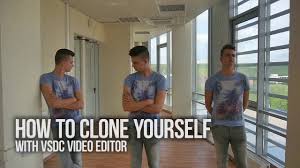
Learn how to make a clone of yourself in the same scene with detail YouTube video tutorial in VSDC Free Video Editor here.
Learn how to create video demonstration in ActivePresenter from this tutorial video on YouTube channel.
Learn how to create Software Simulation in ActivePresenter in Video from YouTube here.

Camtasia Studio Review, Pros and Cons. Read our honest review about TechSmith Camtasia Studio 9 here. Camtasia Studio key features overview and why you should buy it!

Lightworks Review. It is simply an elegant, professional video editing software that suite all YouTubers’ need to create Hollywood films at home. It is not a product designed for novices but intermediate users. Lightworks can work on Windows, Linux and Mac OS X.

Apowersoft Screen Recorder Pro Review. This is perfect tool for capturing your desktop monitor and edit recorded videos easily for uploading to YouTube or FTP. It has everything you need to create a high-quality screencast videos.
 Elearning Supporter