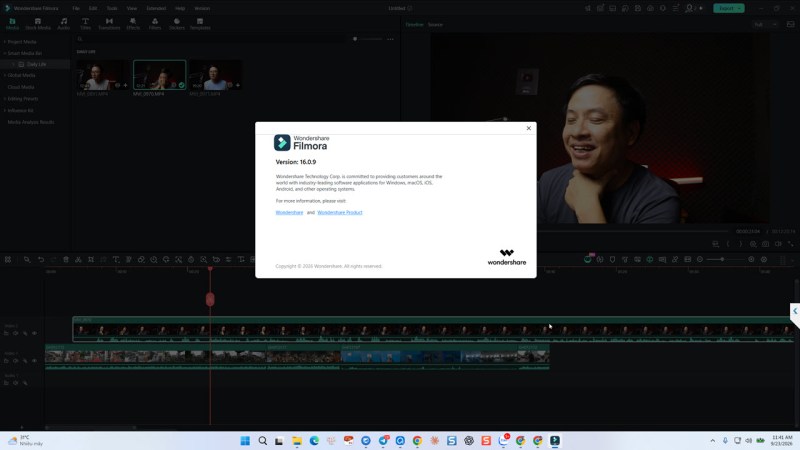
Recently, Wondershare released Filmora 16 as of September 23rd, 2026. It has been 10 months since the release of Filmora 15. So, here is a quick review of the new features in this latest version of this beginner friendly video editing software.
Things to Consider
I’ve been using Filmora video editor since version 9 until now. I use it almost everyday. I know every piece of the software, including tips, tricks and tutorials, thing like that. So, if you want to learn Filmora tips and tricks, follow my YouTube channel here- Jacky Nguyen YouTube Channel!
Similar to its previous version, it is not free to upgrade to Filmora 16 from your current Filmora 15. If you own a perpetual license of the software, don’t upgrade if you don’t want to pay approximately $25 for upgrading. Lifetime license users are able to upgrade for free, of course!
The pricing plans of Filmora 16 are exactly the same in comparision with Filmora 15. Check out our special discount coupon code here!
If you want to go back to older version of Filmora after upgrading, check out this page on the website!
What’s New in Filmora 16?
It’s clear on their website. But, I will list out all the features down below:
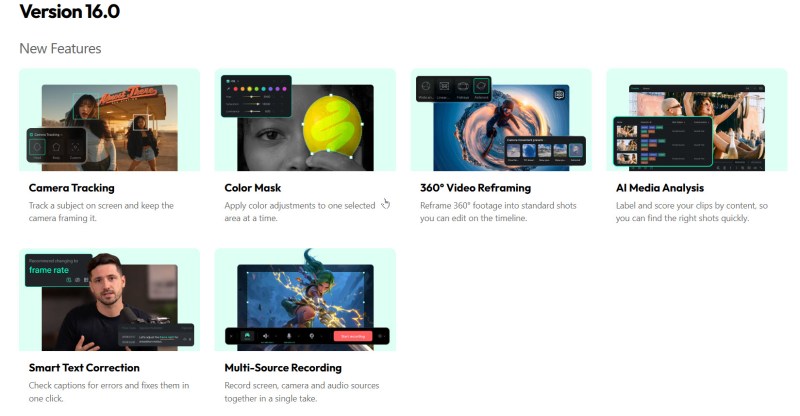
Ok, but these are just some of the features. There are some other information they don’t mention on their website. I have just tested the software for a few hours and here are my thoughts:
The Good
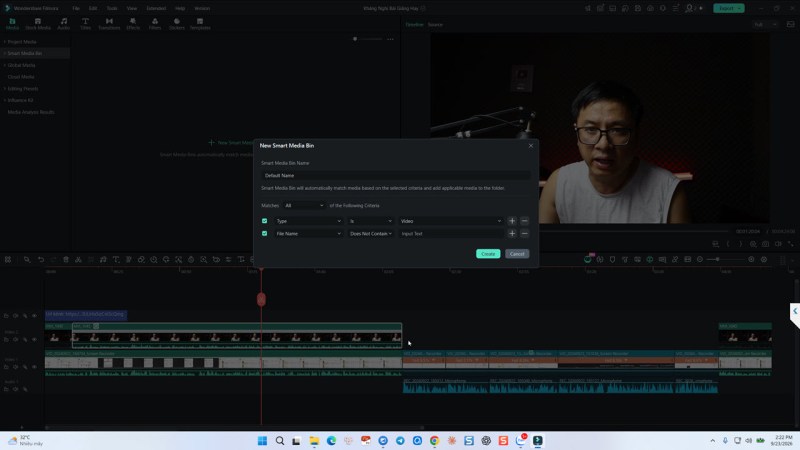
There are more features inside the program. We can have more tools for our content creation. The bath export option is great as it can help us same our time with multiple projects.
Multi-source recorder is interesting as we can add more screen or webcam in one take. I tested the features, but, have not use it in real life. Overall, it is a good addition.
Some fun effect to try in the new version, 360 video reframing is one of them. It’s fun! but not interesting in real life.
AI Media Analysis can help, but just a little in practical post production.
The bad
More features, more clicks! Now they added many features to the program. It reminds me of the days using Premiere Pro. It’s not a good idea to add crazy complicated features into a beginner friendly program.
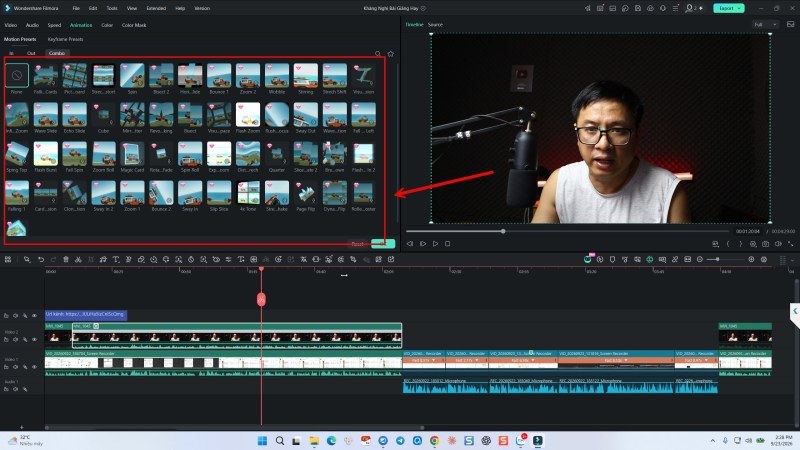
Paid effect are Everywhere! It’s very annoying to buy a software that contain these shitty effect that we don’t want to use. But, they are everwhere in front of your eyes. Fuck it!
Some features are not working as smooth as the old version. I tried the screen recorder twice, and I can not stop the recording until I open the recorder and hit the stop button on the screen.
The Bottom Line
Want to upgrade to Filmora 16, just do it. You’ll end up realizing that it is almost the same with Filmora 16. Just more shitty things, paid effects and the features that you’ll never touch once!
If you’re new to the software, try it! It’s good for beginners!


Leave a Reply