Disclosure: eLearning Supporter may earn a commission when you buy through some links on this page. It does not change how we evaluate products. Details were checked on October 30, 2026 and can change between releases.
The bottom line
You can make an excellent instructional video in Camtasia and still discover that your training department needs something different: learner decisions, graded practice, SCORM tracking or editable course logic. The best of the Camtasia alternatives for eLearning depends on what is missing from your current workflow. This guide distinguishes video editors from eLearning authoring suites and compares tools by practical use case—not feature-badge counts.
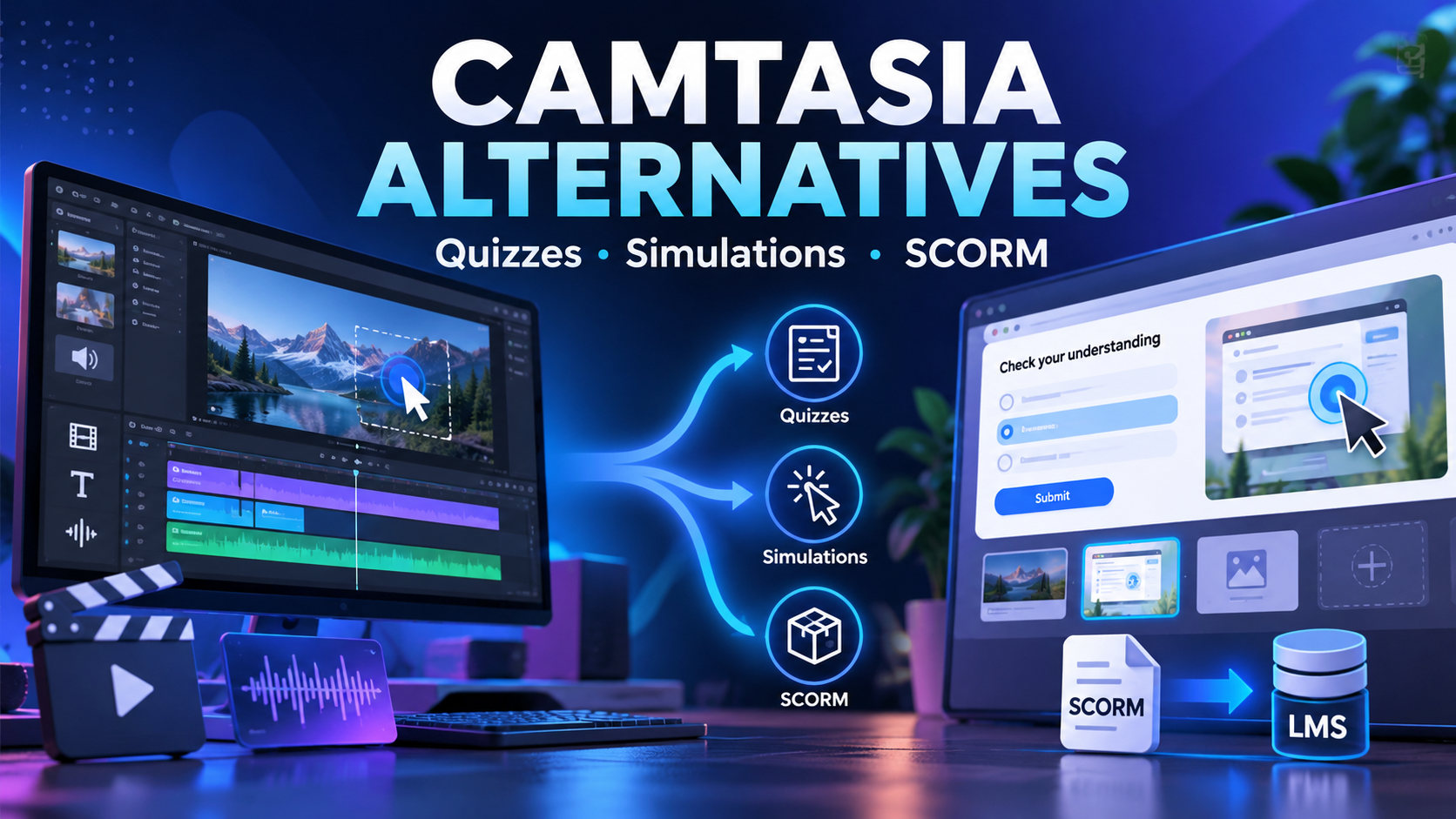
How we compared: workflow fit, learning outcomes, feature availability, licensing and the friction a real team faces during production—setup time, how easily an author can repeat a workflow, whether the output works on the target device and how quickly revisions can be made. “Best fit” is a recommendation for a user situation, not a claim that comparative lab testing was completed.
Start with the missing outcome, not the brand name
If your current project only needs cursor callouts and better narration, replacing Camtasia with another video editor may solve the problem. If employees must answer graded questions, navigate a branching scenario or send reliable SCORM results to an LMS, you need to assess an authoring environment. Clarify whether a separate authoring tool alongside Camtasia would be simpler than a wholesale replacement.
At-a-glance comparison
| Tool | What it is | Best fit | Pricing model |
|---|---|---|---|
| ActivePresenter | Screen recording + editing + eLearning interactions and simulation; LMS publishing by edition | Operations, technical support and product-training authors | Standard and Pro perpetual licenses; confirm SCORM entitlement before buying |
| iSpring Suite | PowerPoint-centered content + quiz/interaction builder + LMS output | Instructional designers and SMEs with large presentation libraries | Annual per-author subscription (Suite vs. Suite AI) |
| Articulate Storyline | Advanced custom interaction logic + assessment + LMS publishing | Learning teams building branching decisions and sophisticated assessment | Articulate 360 AI annual author licenses |
| OBS Studio | Capture-first; not a complete course-authoring suite | Creators who record content, then author courses elsewhere | Free and open source |
| DaVinci Resolve | Post-production-first; not a SCORM authoring solution by itself | Teams producing polished video courses and training films | Free version plus paid Studio edition |
How Camtasia compares with dedicated eLearning platforms
Camtasia is associated with screen capture, video timeline editing, cursor effects and an approachable tutorial workflow. Current editions and platform integrations may include assessment-related capabilities, so avoid saying it has no quizzes under any circumstances. Instead, compare how a particular package produces reusable questions, detailed interactive simulations and standards-based LMS reporting. Validate exact features in the current edition—not a five-year-old comparison. For our take on the latest version, read our honest Camtasia 2026 review.
The 5 Camtasia alternatives reviewed
1. ActivePresenter
Developed by Atomi Systems, ActivePresenter is best suited to software education where recording, editing and interactive exercises are part of one workflow. Authors can capture a demonstration and extend it into questions and practice, subject to edition permissions. A perpetual license may appeal to teams planning several years of training production.
- Pros: screen-focused learning workflow; simulations and eLearning authoring; Windows/macOS editions.
- Cons: separate application to learn; advanced objects and publishing are edition-dependent.
- Pricing: Standard and Pro are listed as perpetual licenses at current published prices; confirm SCORM entitlement before buying. See ActivePresenter pricing.
- Best fit: operations, technical support and product-training authors.
Check the current price: ActivePresenter Pro (the edition Atomi’s feature matrix lists with eLearning and SCORM publishing) · ActivePresenter Standard. (Affiliate links.)
2. iSpring Suite
A PowerPoint-first eLearning suite with quiz and interaction tools and LMS publishing. For organizations with hundreds of slide decks, staying within the PowerPoint mental model can accelerate conversion.
- Pros: familiar PowerPoint authoring; useful quizzes and LMS publishing.
- Cons: subscription costs accumulate; not focused on screen-software simulation to the same extent.
- Pricing: published annual per-author subscriptions; check Suite versus Suite AI inclusions.
- Best fit: instructional designers and SMEs maintaining large presentation libraries.
3. Articulate Storyline
A customizable eLearning authoring environment for interactive states, branching, variables and complex decision activities. Appropriate when training content is more like a scenario than a linear video.
- Pros: flexible interactive logic; broad LMS export options.
- Cons: higher annual cost and development complexity; maintenance needs specialist skills.
- Pricing: Articulate 360 AI annual author licenses; verify current personal/Teams rates.
- Best fit: learning teams building branching decisions and sophisticated assessment.
4. OBS Studio
An open-source capture and live-production tool with multiple scenes and audio sources. It is not an out-of-the-box SCORM authoring tool, but it can produce excellent raw video to import elsewhere.
- Pros: free; powerful capture and scene mixing.
- Cons: requires a separate editing and authoring workflow for quizzes and LMS tracking.
- Pricing: free and open source.
- Best fit: creators who primarily need to record content, then author courses elsewhere.
5. DaVinci Resolve
A professional video editing environment with strong post-production and audio capabilities. Use it when video quality is the main concern; combine it with a separate authoring tool if learners need interactive SCORM courses.
- Pros: highly capable editing and audio workflows; free tier.
- Cons: steeper learning curve; dedicated authoring software needed for interactive course assessment.
- Pricing: free version plus paid Studio edition; verify the regional rate.
- Best fit: teams producing polished video courses and training films.
Pricing comparison: calculate total cost of ownership
Separate upfront authoring licenses from annual subscriptions. A perpetual license may still have major-version upgrade fees, add-on costs and limited future support. A subscription may include newer releases and collaboration features but continues each year. Estimate the number of authors, expected content revisions, hardware needs, training time and course maintenance. For a three-year comparison, do not simply multiply an old list price: obtain current regional quotes and education or volume discounts.
Five realistic purchasing scenarios
- Solo creator publishing MP4 tutorials: evaluate OBS, Camtasia or DaVinci Resolve based on complexity.
- Trainer producing narrated slide courses: evaluate iSpring.
- Technical enablement team building software simulations: shortlist ActivePresenter.
- L&D team delivering branching scenarios and rubric-based practice: test Storyline.
- Organization with polished video editing staff but weak LMS integration: retain the existing editor and add an authoring platform only for courses that need interactivity.
Run a fair three-hour pilot
Use exactly the same fictional task for each option. Produce a 90-second demonstration; add one knowledge check and a learner-choice step where supported; export the required file type; upload to a staging LMS; evaluate score, completion and resume records as well as keyboard use. Record author minutes spent, problems encountered and the cost of maintaining the content. A short, reproducible pilot is a stronger comparison than declaring one platform the winner. If AI features are on your checklist, also see our comparison of AI-powered SCORM authoring tools.
Frequently asked questions
Is Camtasia a SCORM authoring tool?
Check the exact current Camtasia version and integrations; do not assume its video exports are SCORM courses.
Does every eLearning tool record screen video?
No. Some authoring tools rely on imported video, so check capture features if you record software demos often.
Can I use two tools?
Yes, if the authoring handoff between them is reliable.
Which option is cheapest?
The answer depends on seat count, years of use, upgrade policy and production hours.
Final recommendation
Choose the tool that solves the actual publishing problem, not the one with the longest checklist. ActivePresenter suits operations, technical support and product-training authors. iSpring Suite suits instructional designers and SMEs maintaining large presentation libraries. Articulate Storyline suits learning teams building branching decisions and sophisticated assessment. OBS Studio suits creators who record content and author courses elsewhere. DaVinci Resolve suits teams producing polished video courses and training films. Start with a sample, verify the resulting file or LMS data, then compare total author effort alongside licensing. For training-centered capture and authoring, explore the eLearning authoring tool from Atomi Systems.
👉 Ready to switch? Get ActivePresenter Pro for quizzes, software simulations and SCORM, or ActivePresenter Standard for recording and video editing. Both are one-time licenses. (Affiliate links: we may earn a commission at no extra cost to you.)


Leave a Reply