3 Useful Tools To Create Interactive Learning Courses In E-Learning. The best, cost-effective and powerful software to create your first interactive learning course.
How To Change Project Size In ActivePresenter 7
Project size (or slide size) defines the dimension of your project. It affects your output when you export your project in video formats or HTML5. In ActivePresenter 7, you should always change the project size according to your requirements before starting doing anything to save time. To do that, take a look at this video tutorial.
How To Make Use Of Object Template To Speed Up Your E-Learning Development
Making use of object templates can save you tons of time in developing your e-learning courses. With a professional and powerful e-learning authoring tool like ActivePresenter, it's possible to create and re-use your object templates during the development. Take a look at this video tutorial to learn how to do that in ActivePresenter 7.
How To Import Your PowerPoint Slide Into ActivePresenter
ActivePresenter is a powerful e-learning authoring tool which allows you to import your finished PowerPoint slides into its editor for further use. Learn how to do that in this simple video tutorial.
How To Record Video Demonstrations With A Free Screen Recorder
Making video demonstrations can be done quickly and easily with a powerful, free screen recorder like ActivePresenter. Learn how to record video demonstrations with ActivePresenter from this tutorial video.
How To Create Multiple Choices Questions For Your E-Learning Course
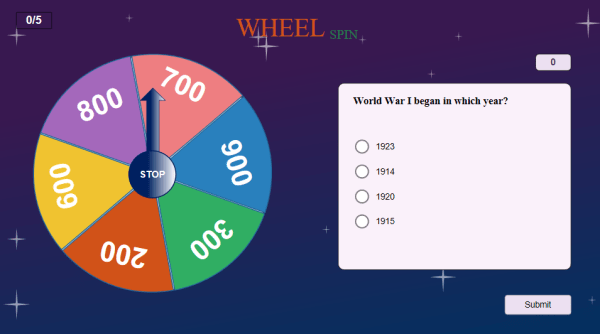
Learn how to create multiple choice questions for your e-learning course from this tutorial video. It's easy to make such kind of questions with ActivePresetner 7.
FastStone Capture vs. ActivePresenter: Which One Is Better?
FastStone Capture vs. ActivePresenter. Side-by-side comparsion of FastStone Capture and ActivePresenter. Find out which one is better in this article!